
Access Your Voiply Billing Portal
The Voiply billing portal makes it easy to check your invoices, make payments, and update your billing details.
You can manage your billing right inside your Voiply portal, on the Billing page. From there you can see:
- What you owe (for example, "You are all paid up")
- Bills, where you can download each bill to see every charge and tax
- How you pay, where you can add or change a card or bank account
- Your plan
- Billing details, where you can update your billing name, email and address
- Cancel service
The quickest way in
- Go to voiply.com/portal/billing (opens in a new tab).
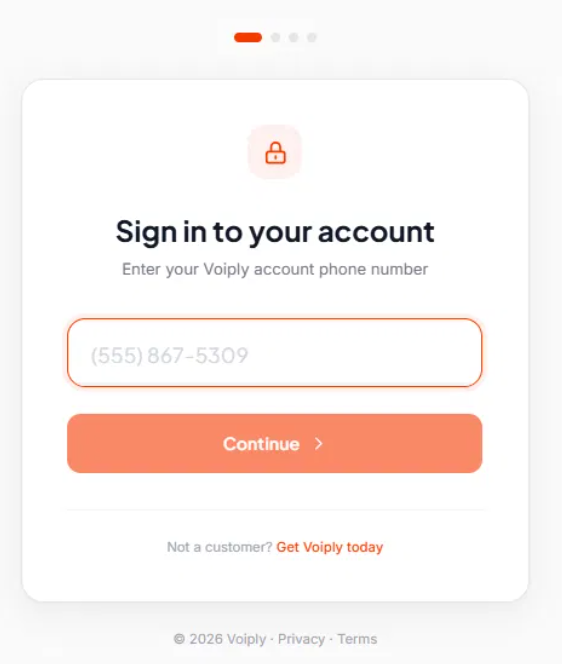
- Enter the phone number on your Voiply account and click Continue.
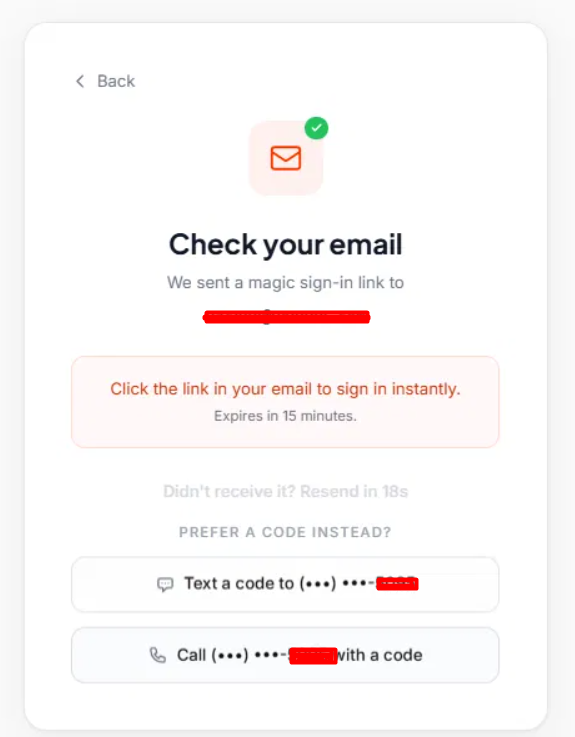
- We'll email you a sign-in link. Open the email and click the link. The link expires in 15 minutes.
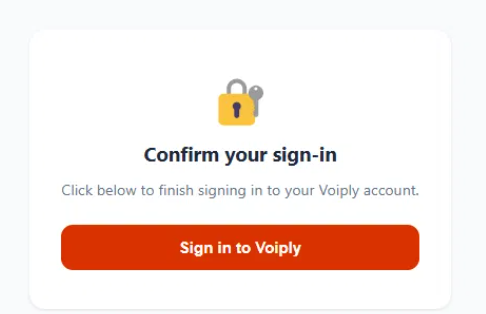
- On the next page, click Sign in to Voiply.
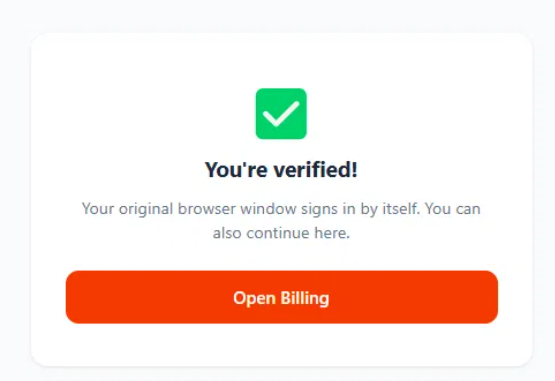
- You'll see "You're verified!" Click Open Billing to go to your Billing page. Your first browser window will also sign in on its own, so you can use whichever one you like.
Didn't get the email? Check your spam or junk folder. You can also click Resend, or choose to get a code by text or phone call instead.
If you're already signed in
- Residential, Business Starter, Number Parking and Kids Phone: click Billing on your dashboard.
- Business Premier and Business Advanced: click Billing in the menu on the left.
Don't see Billing?
On Business Premier and Business Advanced accounts, only the Office Manager and the Super User can see Billing. Other users will see a note that says "Your office manager handles billing for this account." If that's you, please reach out to your Office Manager.
Need help?
We're happy to help. Reach us at billing@voiply.com or (844) 843-4175.
Did this answer your question?
Glad it helped.