
How to Reprovision Voiply Mobile App
Step-by-Step Guide to Reprovisioning your Voiply Mobile
Reprovisioning the Voiply Mobile App.
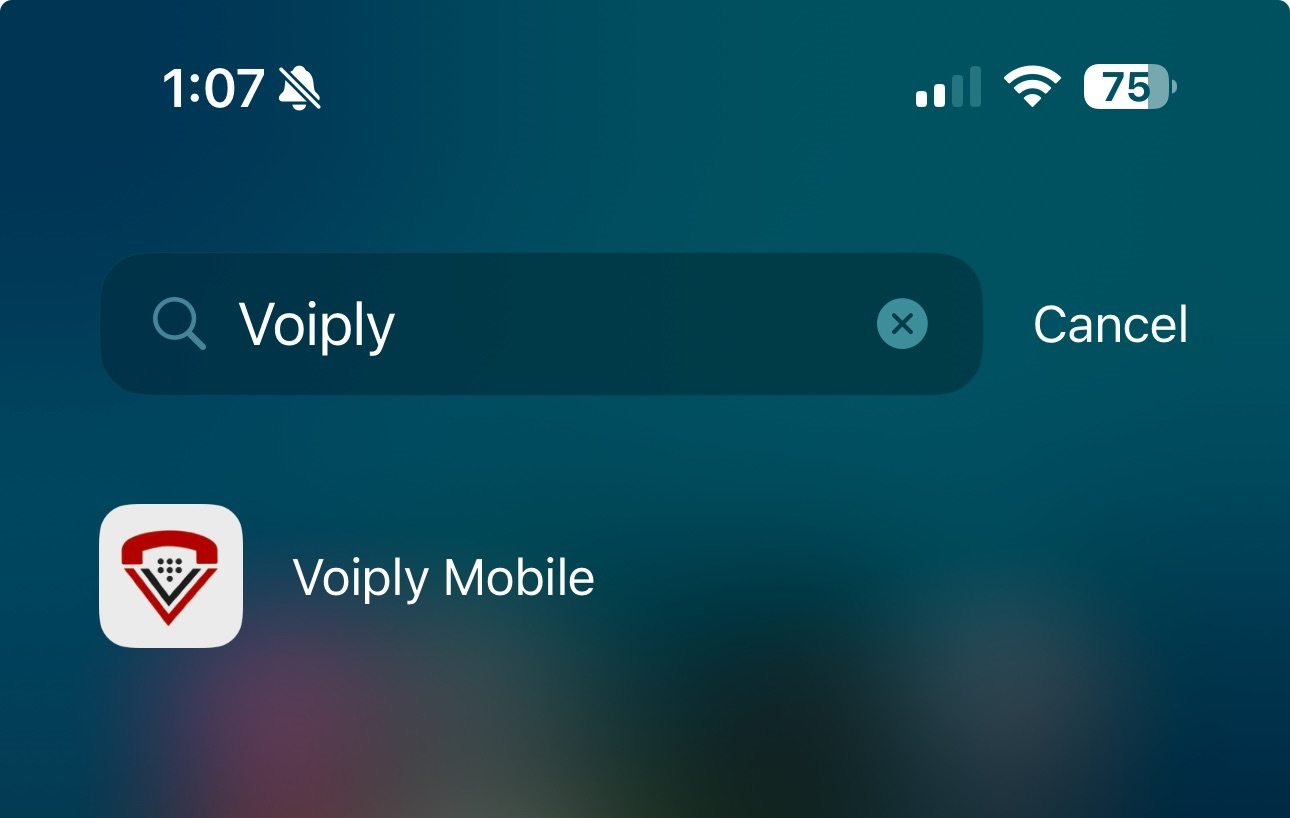
- Open the Voiply Mobile App.
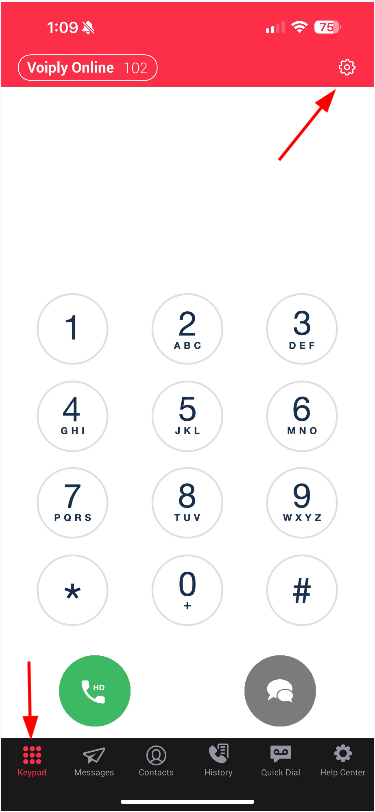
- Once opened, ensure you are on Keypad Tab and then click on the Gear Icon.
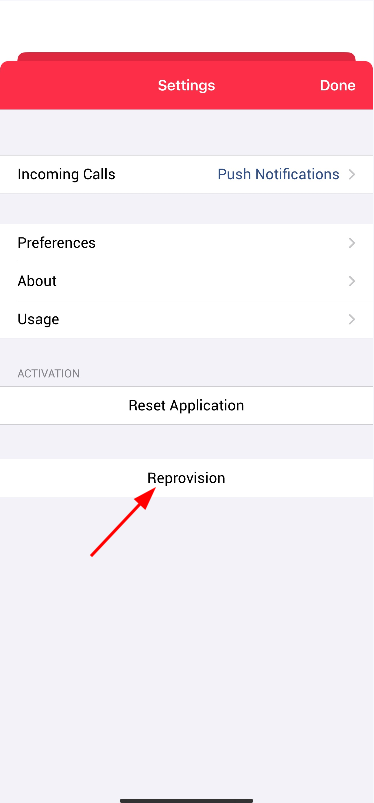
- Click on Reprovision button and click "Ok"
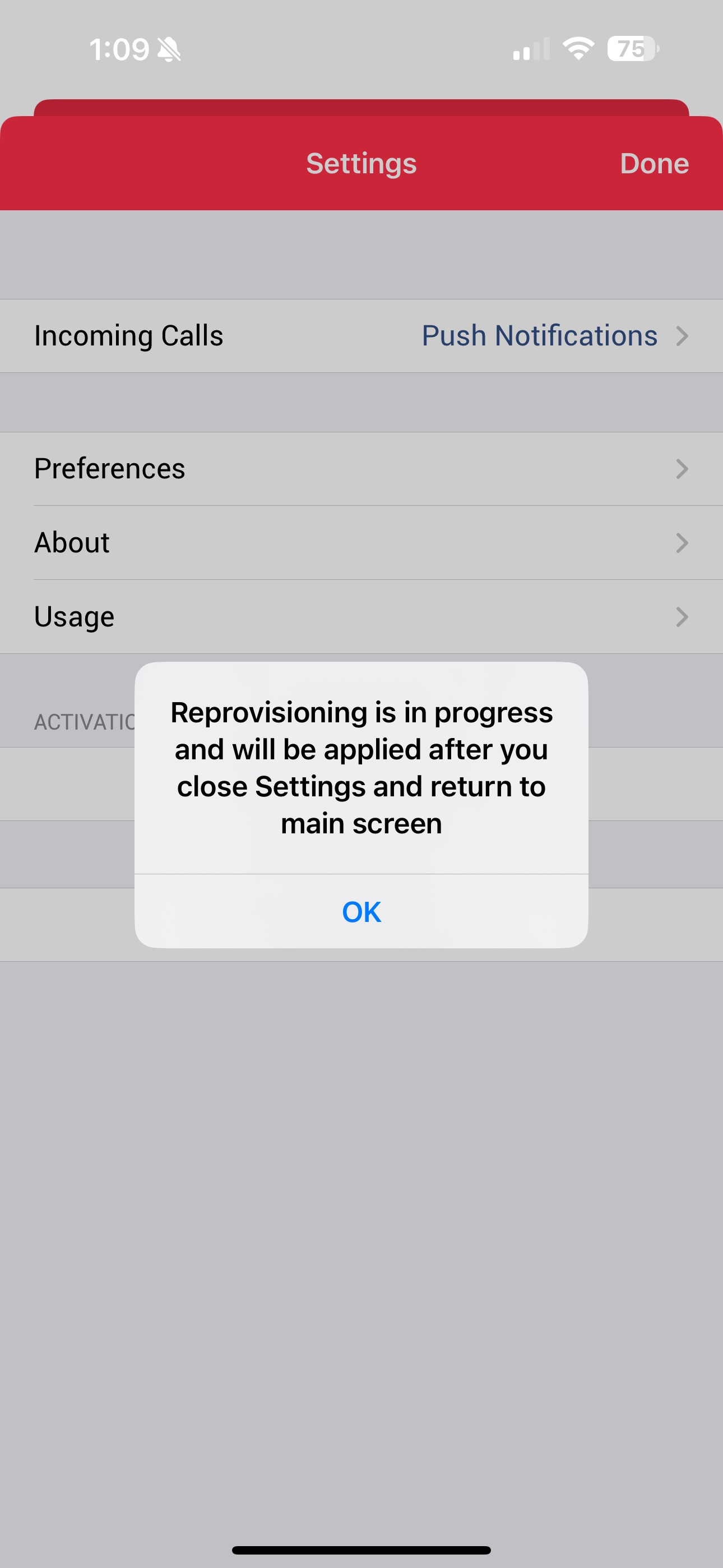
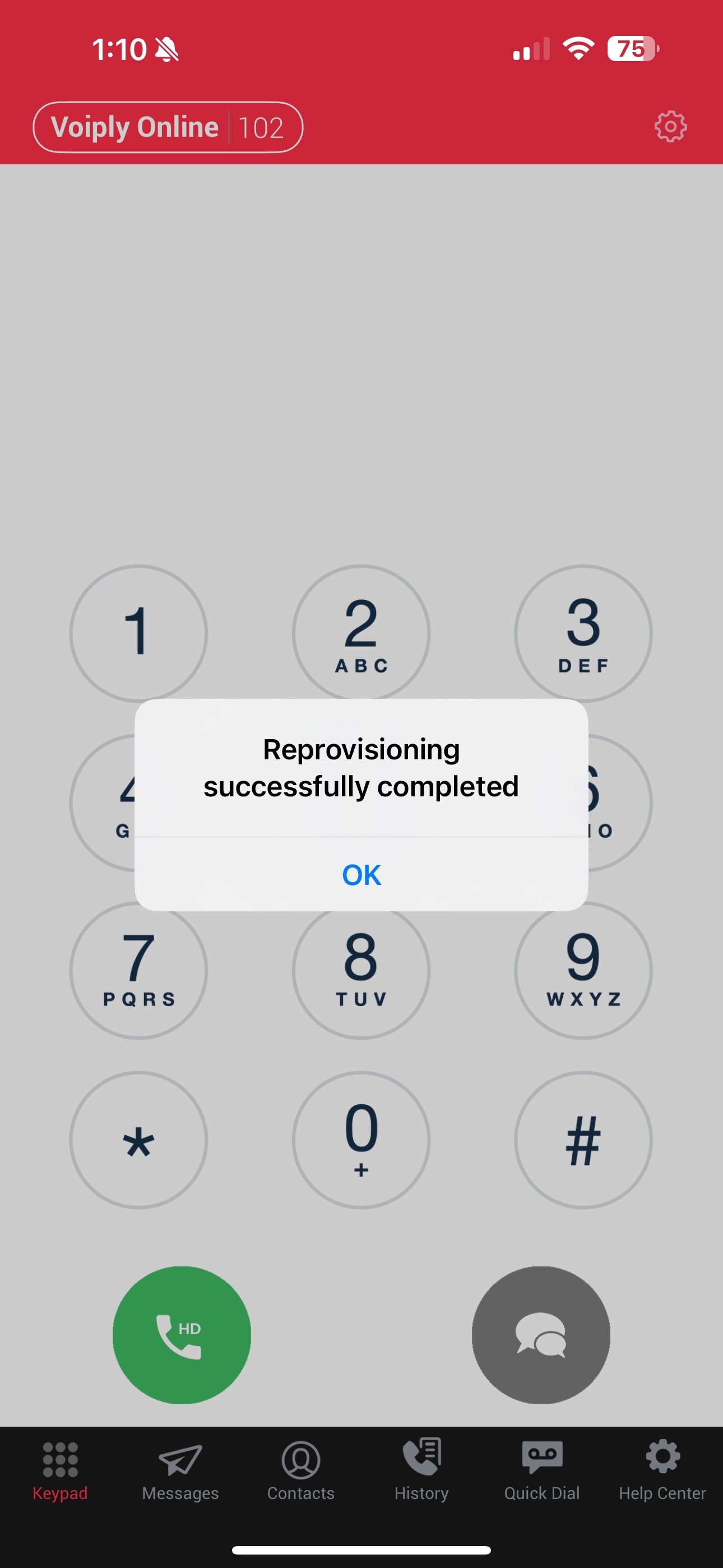
- After clicking "Ok", click Done and wait until you get a confirmation that the process is completed as shown below and click Ok:
Did this answer your question?
Glad it helped.